Inside the Browser From URL to Pixels .
What happens after you type a URL and press Enter?

Most people says when you type a URL and press Enter:
“The website opens.”
But inside your browser a full pipeline runs step by step turning code into pixels.
This journey is what we call the pixel pipeline.
Lets walk through it visually.
High Level Browser Architecture .
Before diving into steps, let’s understand the main components.

Main Parts:
• User Interface (UI).
Address bar, tabs, buttons.
• Browser Engine.
Coordinates everything.
• Rendering Engine.
Builds and paints the page.
• Networking.
Fetches files from the server.
• JavaScript Engine.
Executes JS.
Think of this as a team working together.
Networking (Fetching Files) .
When you press Enter:
Browser sends request.
Server responds with HTML.
Browser fetches CSS, JS, images.
No rendering happens yet.
This is just downloading raw material.
HTML → DOM (Parsing Begins) .
Now the browser reads HTML.
This process is called parsing.
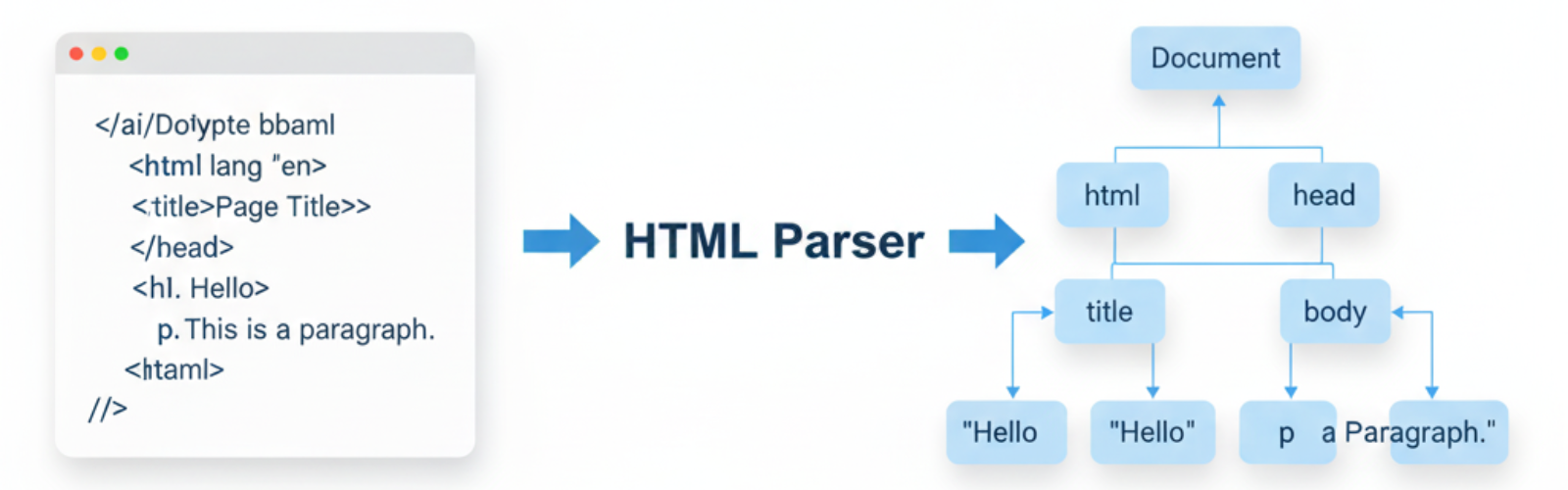
What is the DOM?
DOM (Document Object Model) is a tree structure.
Why a tree?
Because HTML is nested.
Example:
<body>
  <div>
    <p>Hello</p>
  </div>
</body>
Becomes:
body
 └── div
      └── p
Think of DOM like:
A family tree
A folder structure
It is the structure of the page.
CSS → CSSOM .
CSS is also parsed separately.
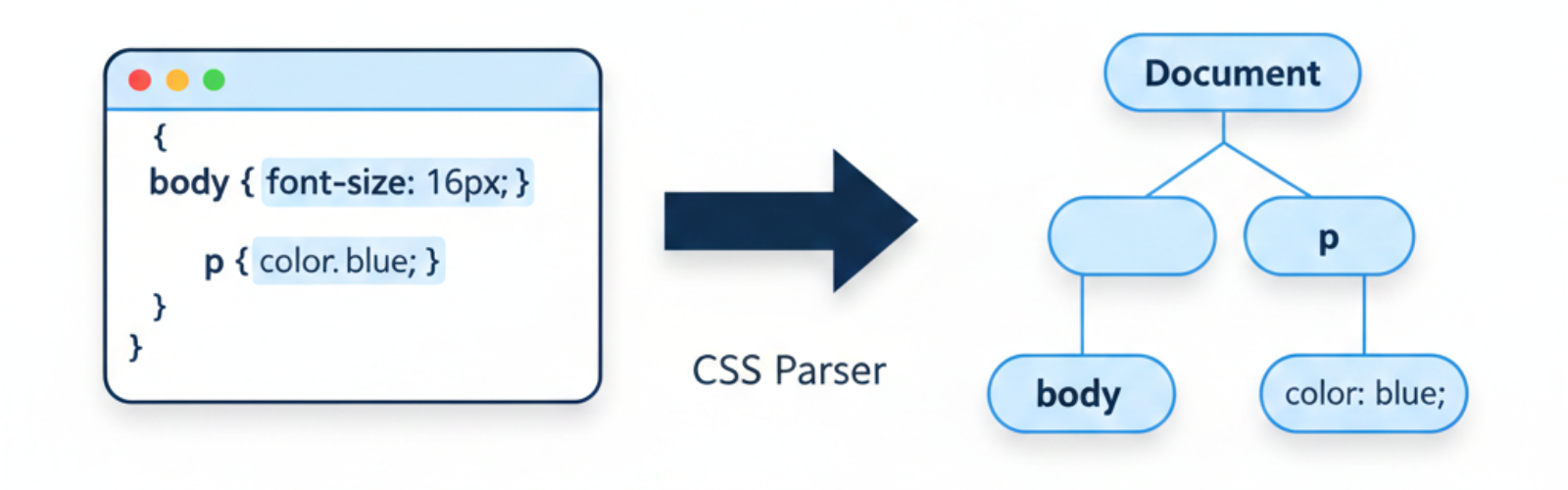
What is CSSOM?
CSSOM (CSS Object Model) represents style rules.
If DOM says:
What exists
CSSOM says:
How it should look
DOM + CSSOM → Render Tree .
Now the browser combines structure and style.
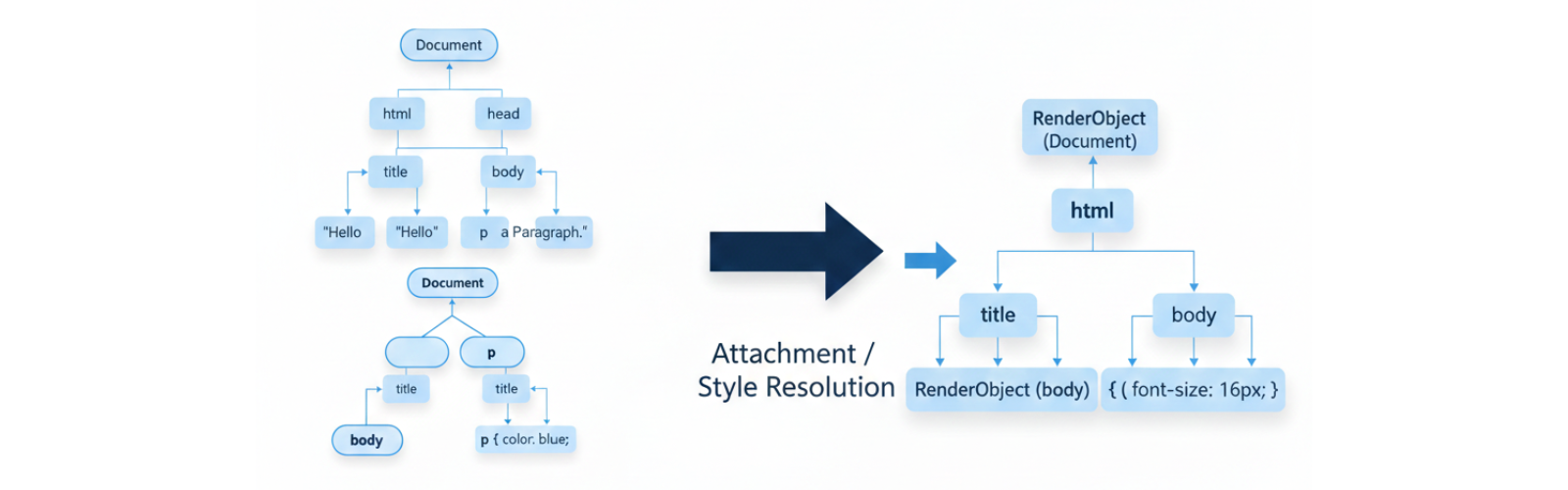
The Render Tree contains:
Only visible elements.
Styled elements ready for layout.
Layout (Reflow) .
Now the browser calculates:
Width.
Height.
Position.
Margins.
Painting.
After layout is complete, the browser knows:
What elements exist.
What they look like.
Where they should appear.
Now it’s time to paint.
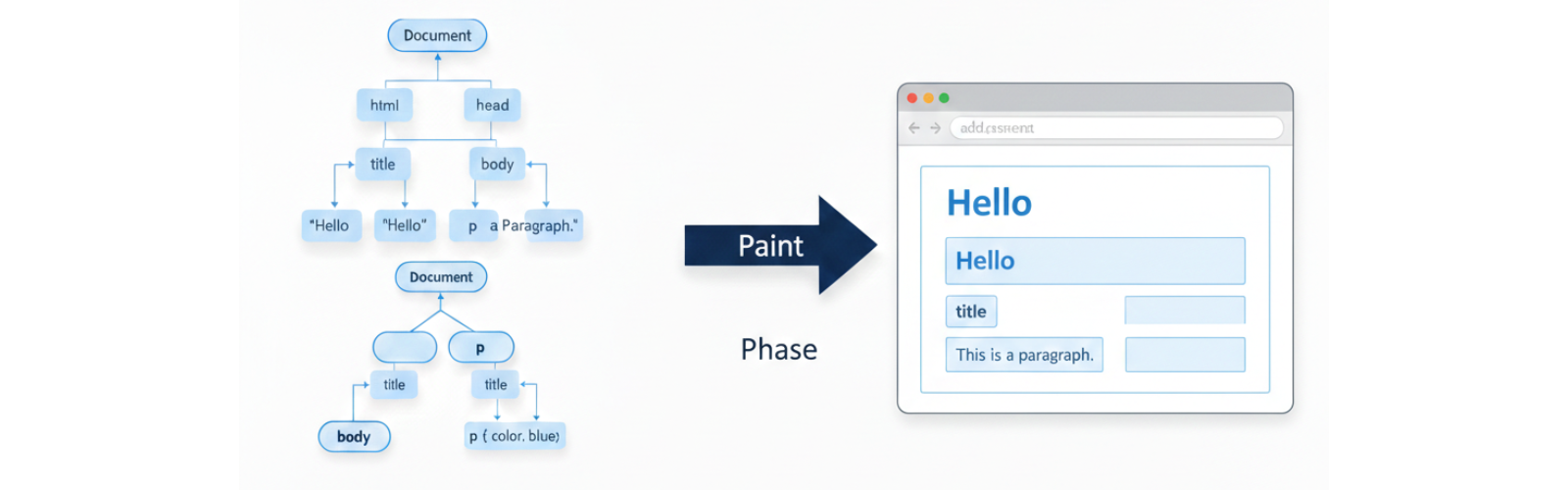
Painting means:
The browser fills in the pixels.
It draws:
Text.
Colors.
Backgrounds.
Borders.
Images.
Shadows.
Think of layout as drawing the outline of a sketch.
Painting is when the browser adds color inside those lines.
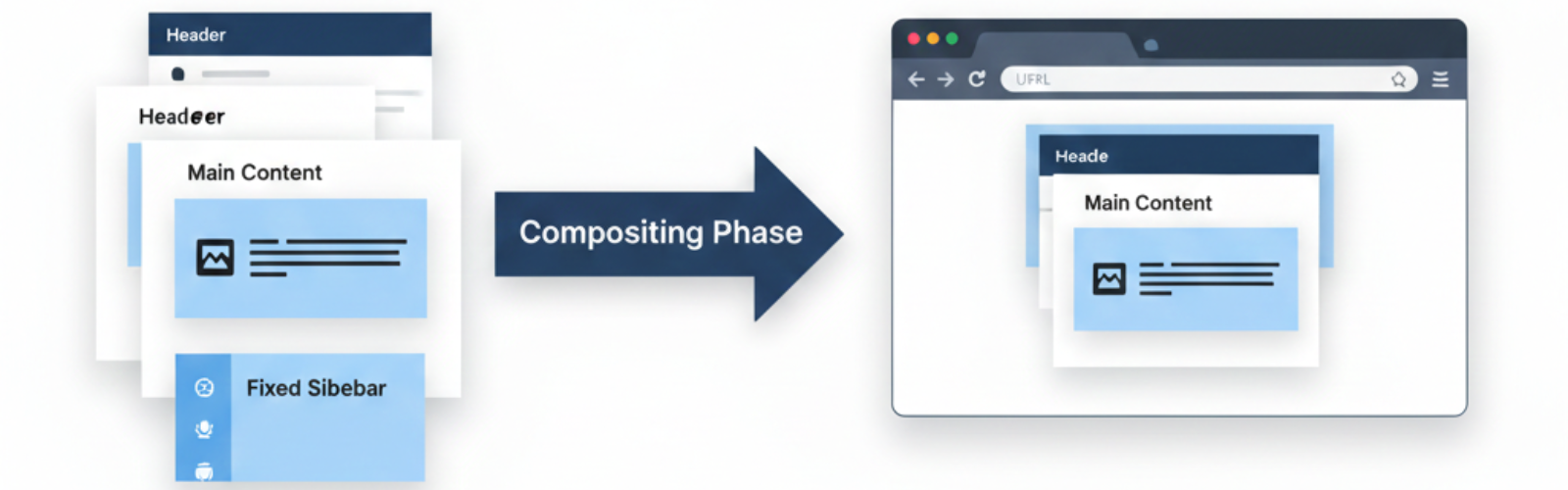
Compositing .
Modern browsers often split the page into layers.
For example:
A scrolling section.
A fixed header.
An animation.
Each layer can be painted separately.
Then the browser composites them together.
Compositing means:
Combining painted layers into a final image.
This step helps performance, especially for animations and scrolling.
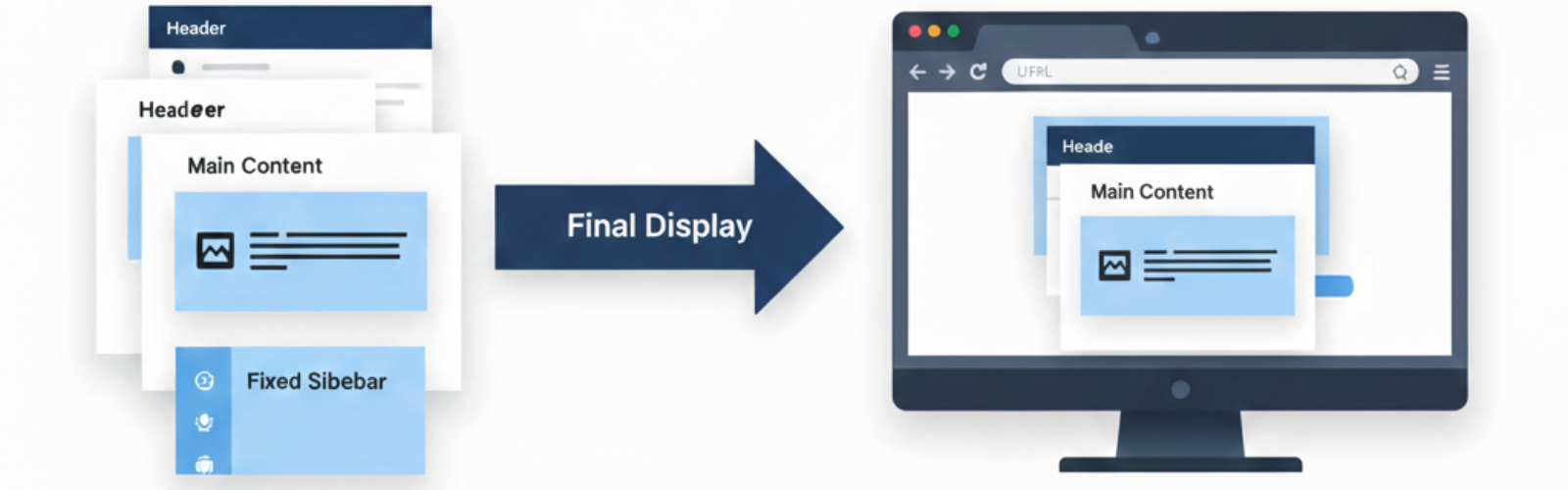
Display Pixels on Screen .
Finally, the composed image is sent to your screen.
Now you see the webpage.
At this point, the journey is complete:
Code → Structure → Style → Layout → Paint → Pixels
All of this happens in milliseconds.
A Very Simple Idea of Parsing (One More Time).
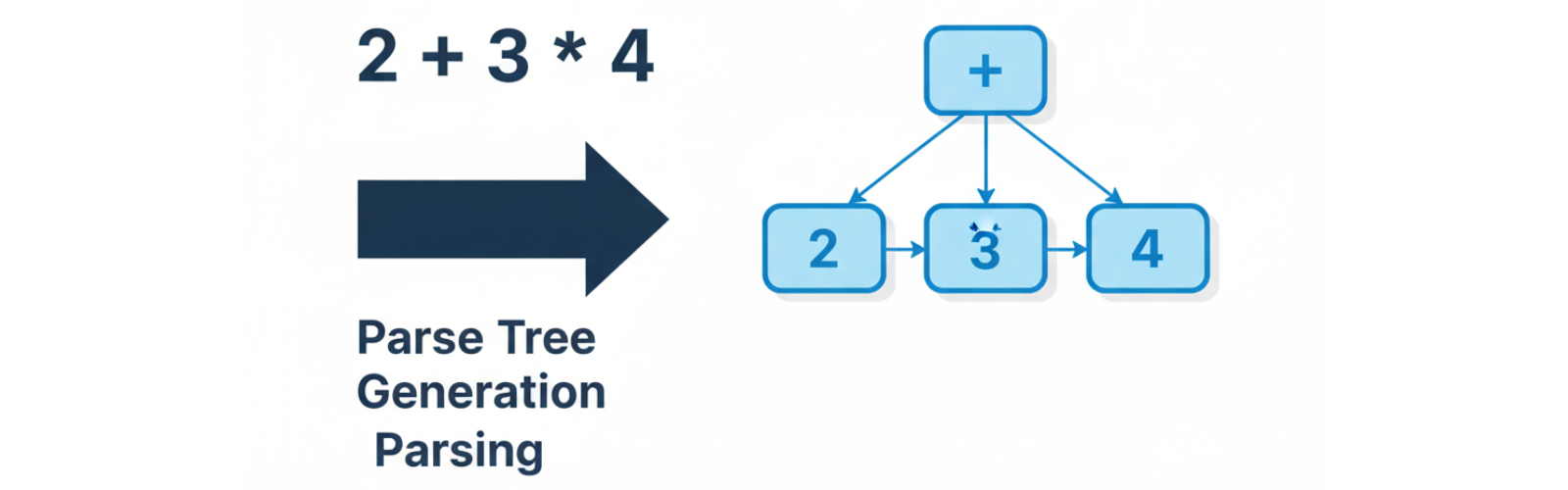
Take this expression:
2 + 3 * 4
Internally, it builds a tree:
      +
     / \
    2   *
       / \
      3   4
Just like:
HTML → DOM tree.
CSS → CSSOM tree.
Parsing = turning text into structured meaning.
The Full Flow (From URL to Pixels).
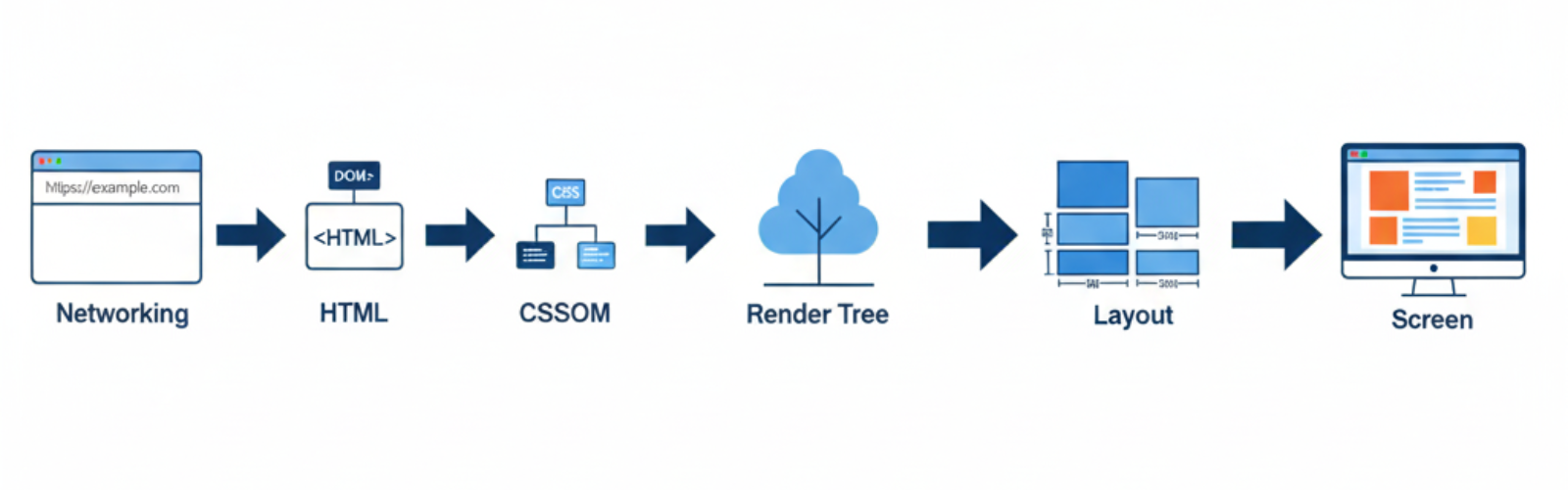
Complete journey:
You type a URL.
Browser sends a request.
Server returns HTML.
HTML → DOM.
CSS → CSSOM.
DOM + CSSOM → Render Tree.
Layout calculates positions.
Paint fills pixels.
Screen displays final result.
One Important Reminder for Beginners.
Every time you press Enter, your browser does something amazing almost like magic behind the scenes.
It takes raw code from the web and transforms it step by step into pixels on your screen.
Think of it like this:
Download → browser grabs HTML, CSS, JS.
Parse → HTML becomes the DOM tree, CSS becomes the CSSOM tree.
Combine → DOM + CSSOM form the Render Tree.
Layout → calculate sizes and positions.
Paint → fill in colors, text, images.
Display → pixels appear on your screen.
The key idea you don’t need to memorize every detail. Focus on the flow, and the rest becomes intuitive over time.
Remember the Pixel Pipeline is your browser turning code into a webpage you can see and interact with, all in milliseconds.
And that’s the secret behind every website you visit.
About the author
Hello, I’m Asim, a passionate Full Stack Developer with 1 year of hands-on experience in building scalable and user-friendly web applications. I work across both frontend and backend, enjoy solving real-world problems, and focus on writing clean, efficient, and maintainable code. I’m always eager to learn new technologies and grow as a developer.
Comments
Join the discussionNo comments yet. Be the first to comment.